Registration overview
This page walks you through signing up for a free trial of the Xe Currency Data API and finding your credentials. Once you have them, head to Getting started to authenticate and make your first request.
What you receive
Sign up with your organization email to get real currency data during your trial. Personal-email sign-ups receive sample data.
Step 1 — Create your account
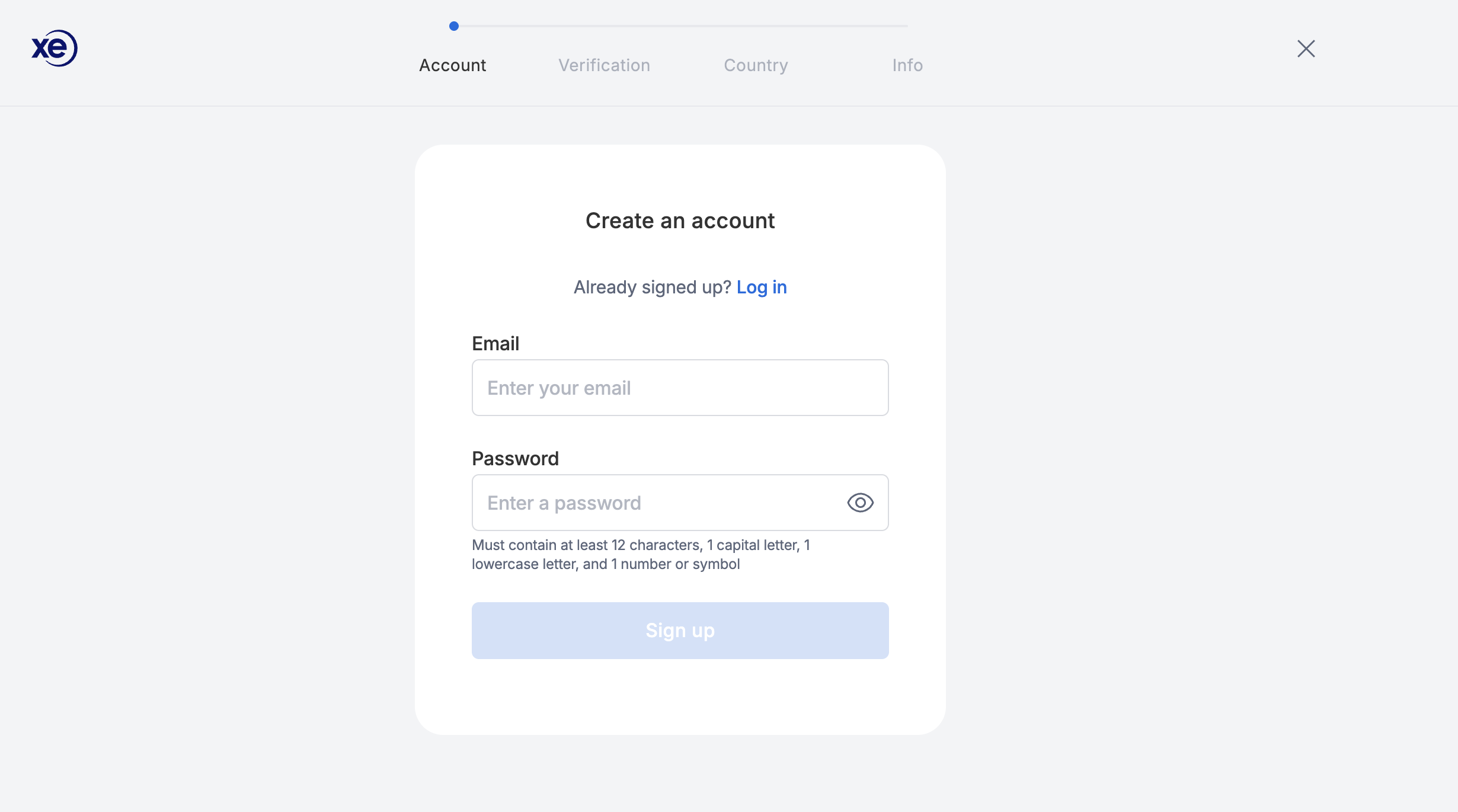
Go to the free-trial sign-up page and complete the four-step form with your details.
Step 2 — Start your free trial
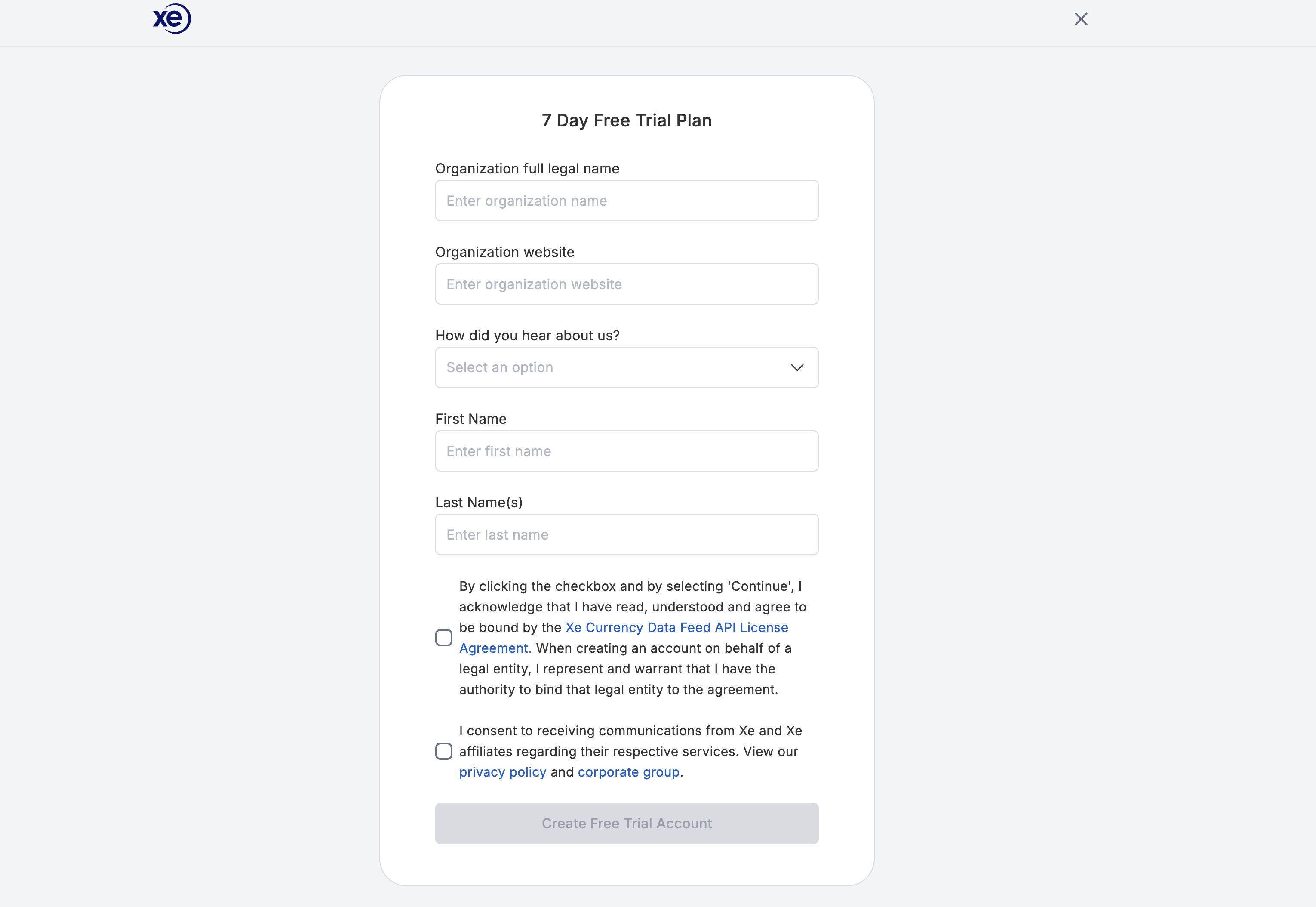
Fill in the remaining fields, then click Create Free Trial Account.
Step 3 — Find your credentials
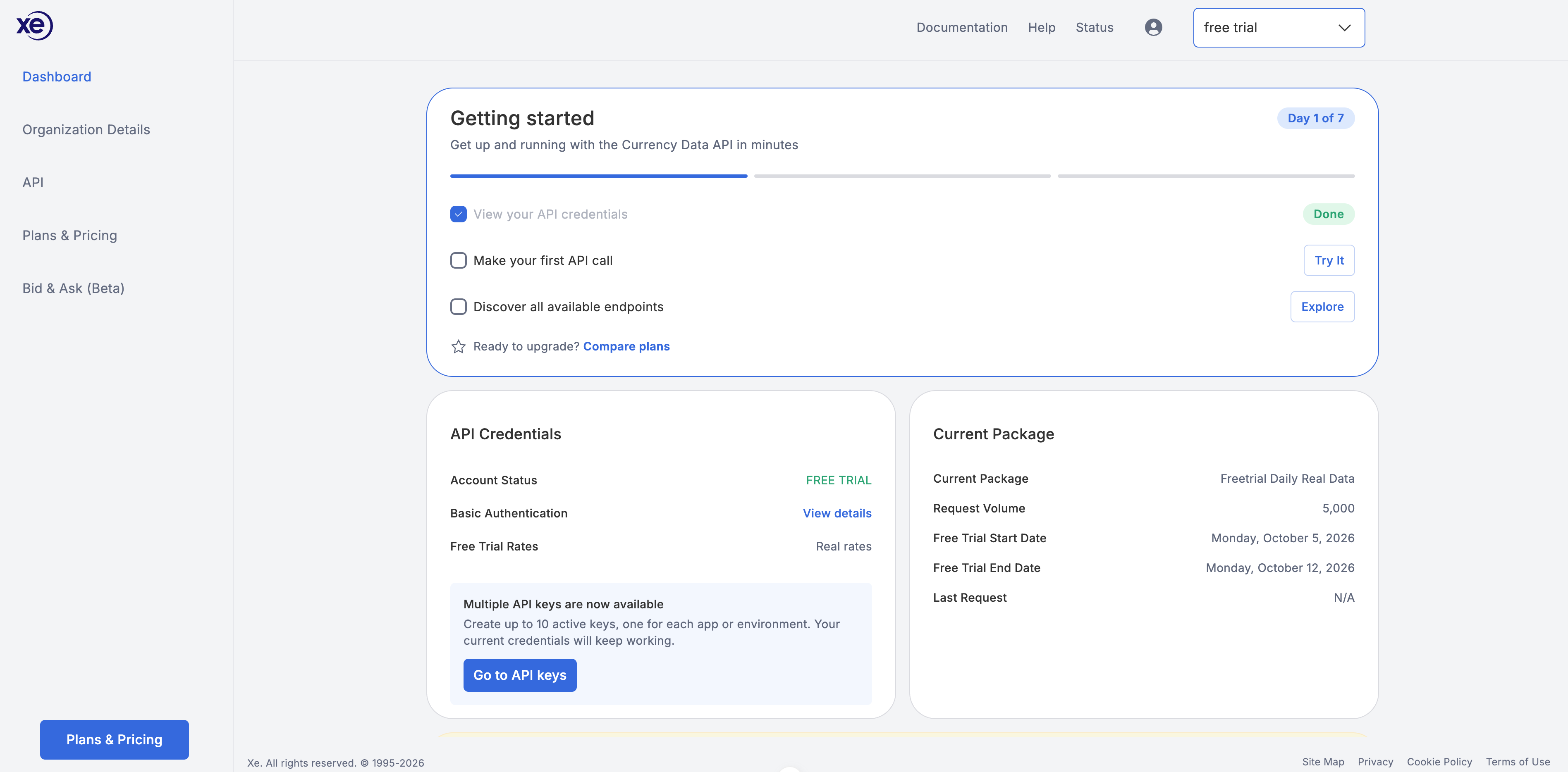
After signing up you land on your dashboard.
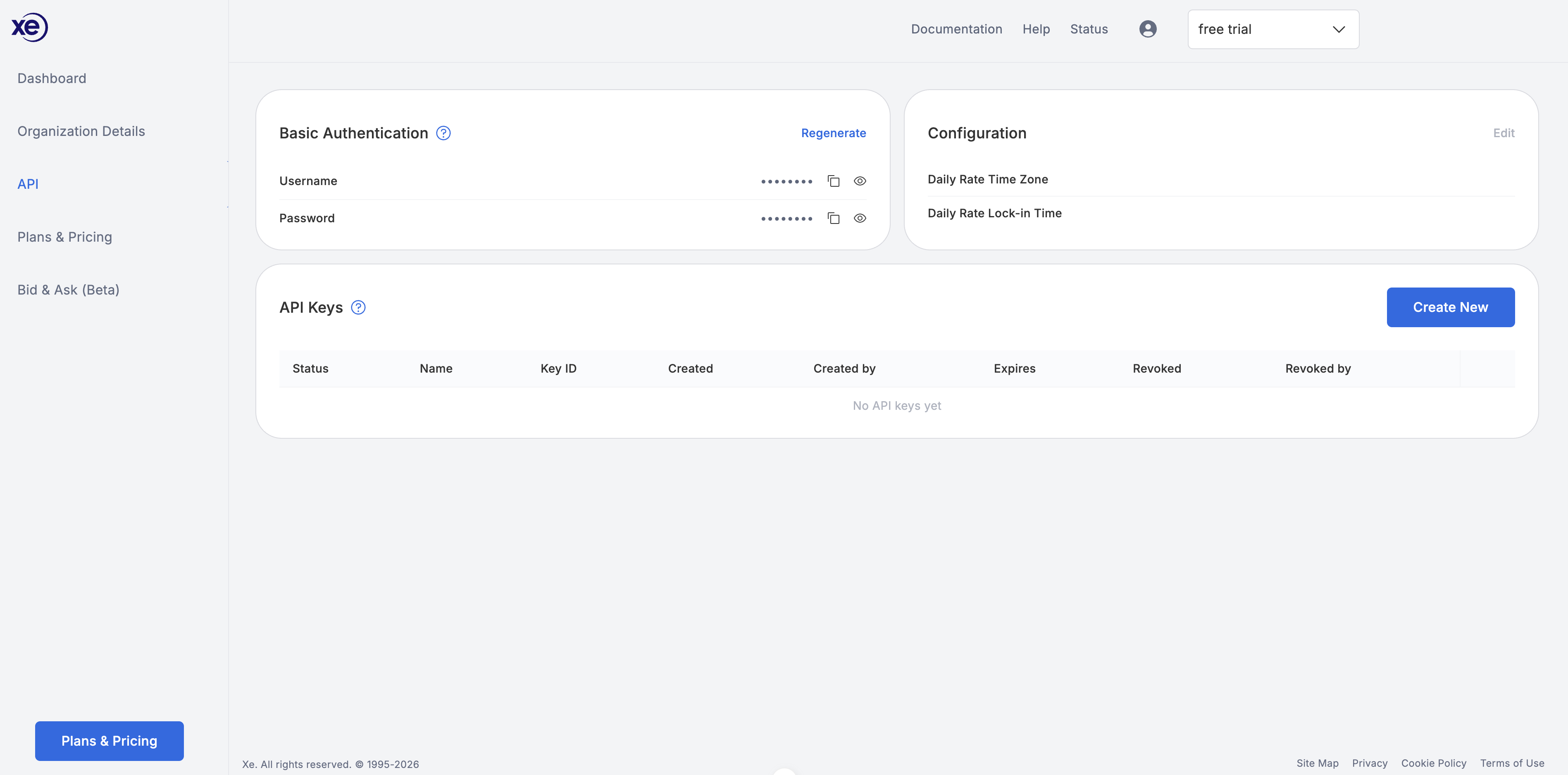
Open the API page from the API item in the sidebar to find your Basic Authentication credentials and to create API keys. You can authenticate two ways: an API key sent as a Bearer token, or Basic authentication with your Username and Password. See Getting started for both methods and Manage your API keys for creating and revoking keys.