Sandbox overview
Xe Pay API Sandbox is a safe, non-production environment for exploring the API and building your integration with test data. It is separate from Production: Use sandbox credentials and sandbox base URLs only, and never copy them into a production deployment. Sandbox access is intended for direct API clients, partners building an integration, and ERP/platform integrators.
Before you request access
Have the following information ready. The form uses these details to create your sandbox profile:
- Sandbox Registration Link
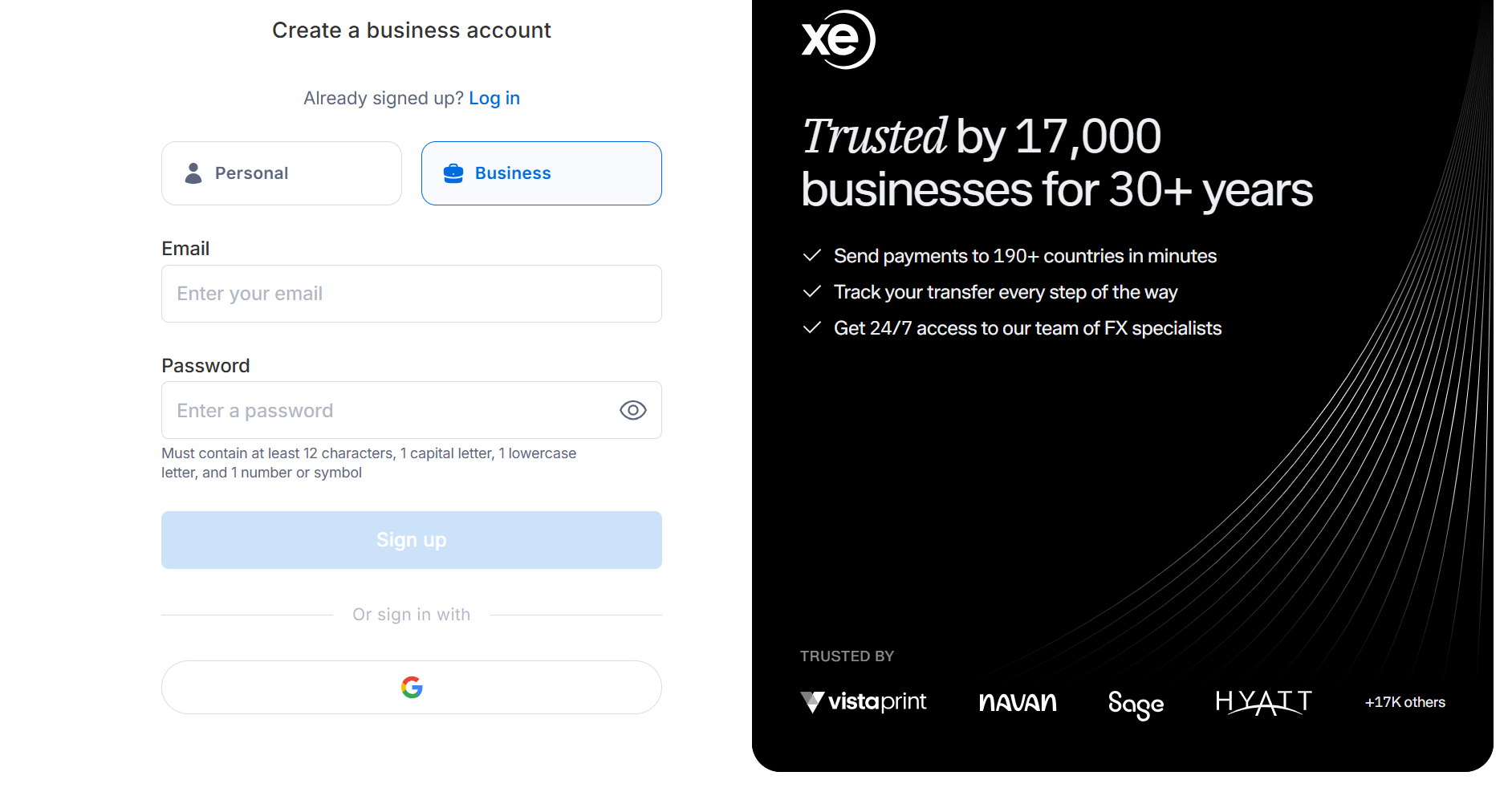
- Account details: Email Address and Password.
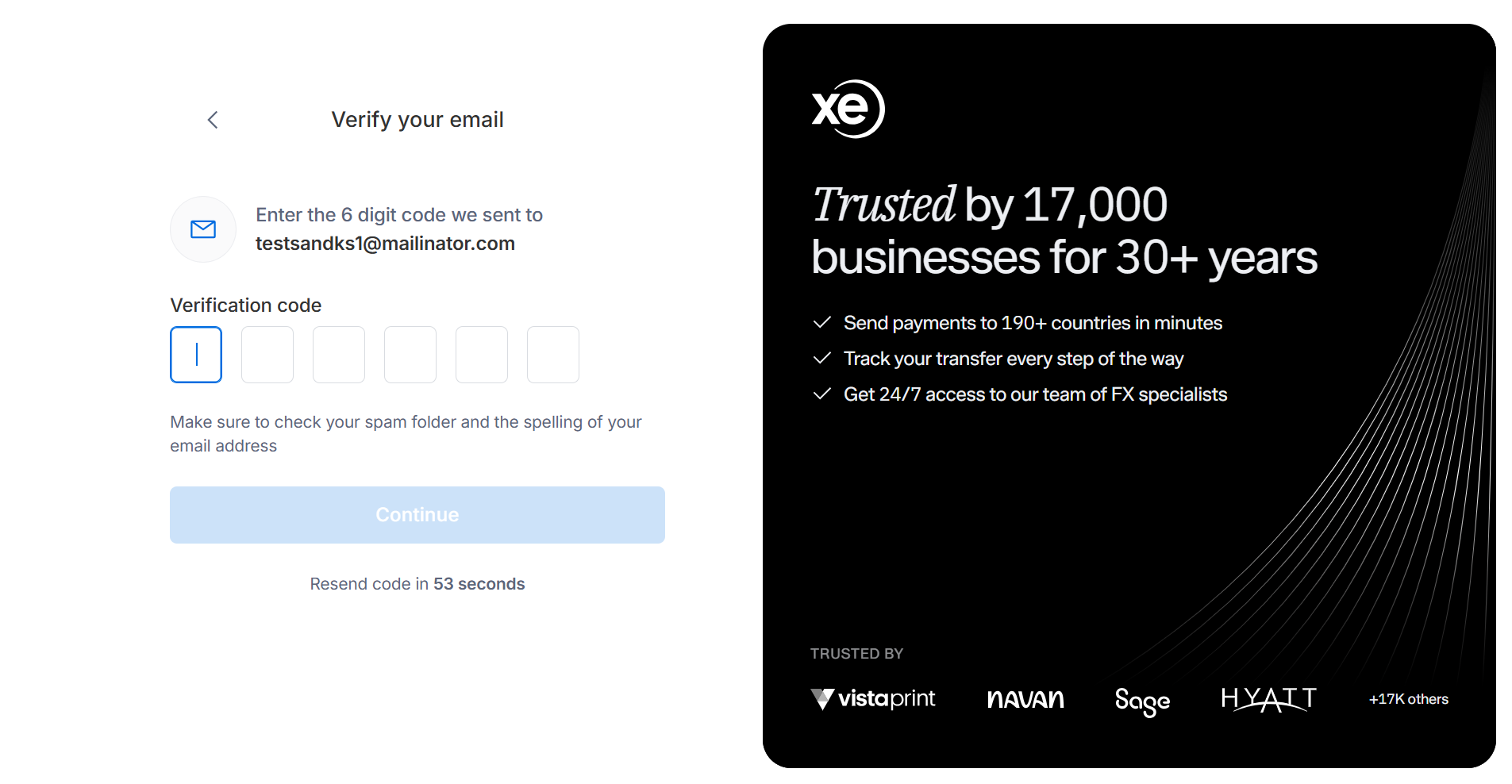
- Verification: Verification code received on the provided Email Id
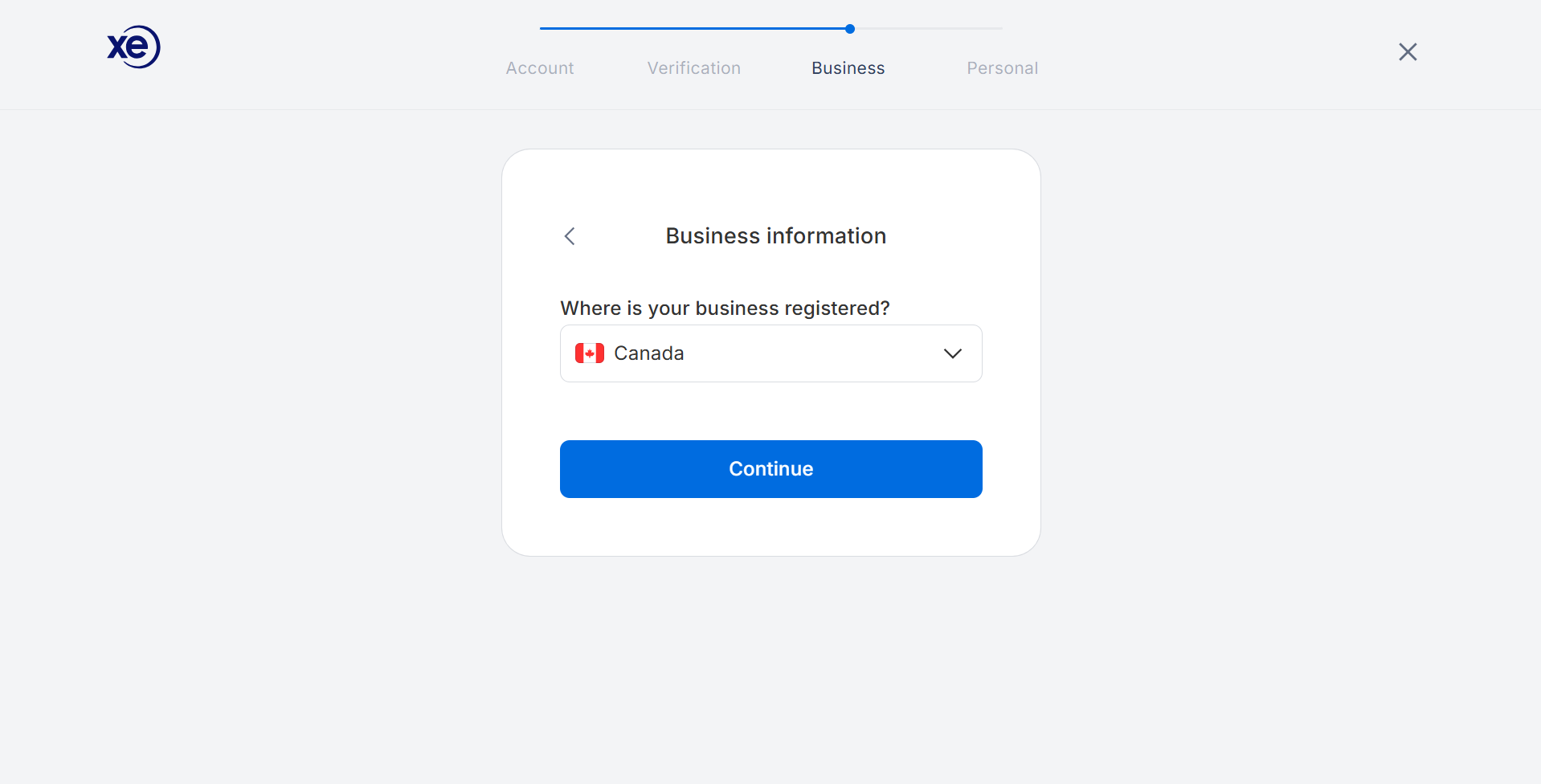
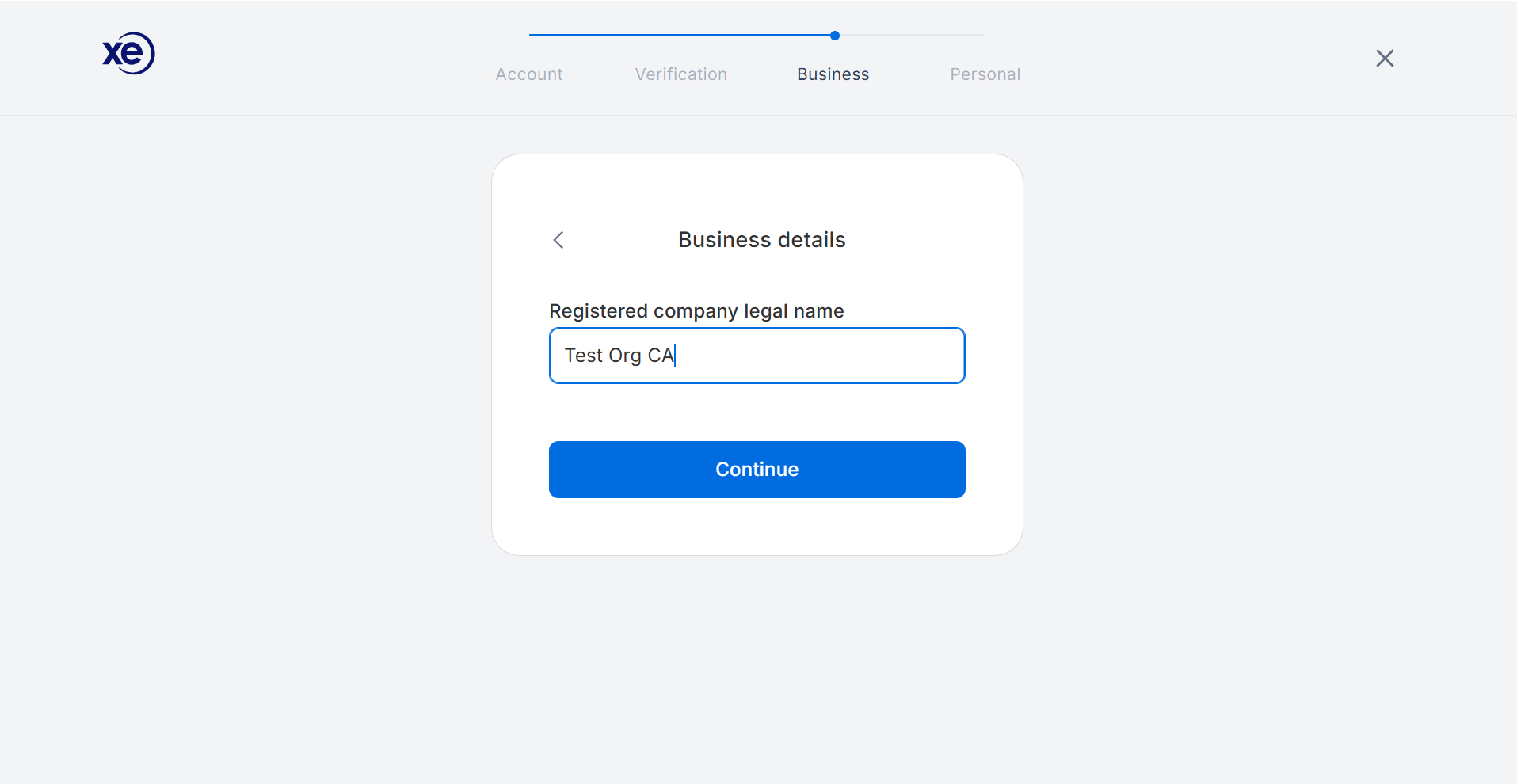
- Business details: Country and Company name
- Personal details: Contact name, and Phone Number
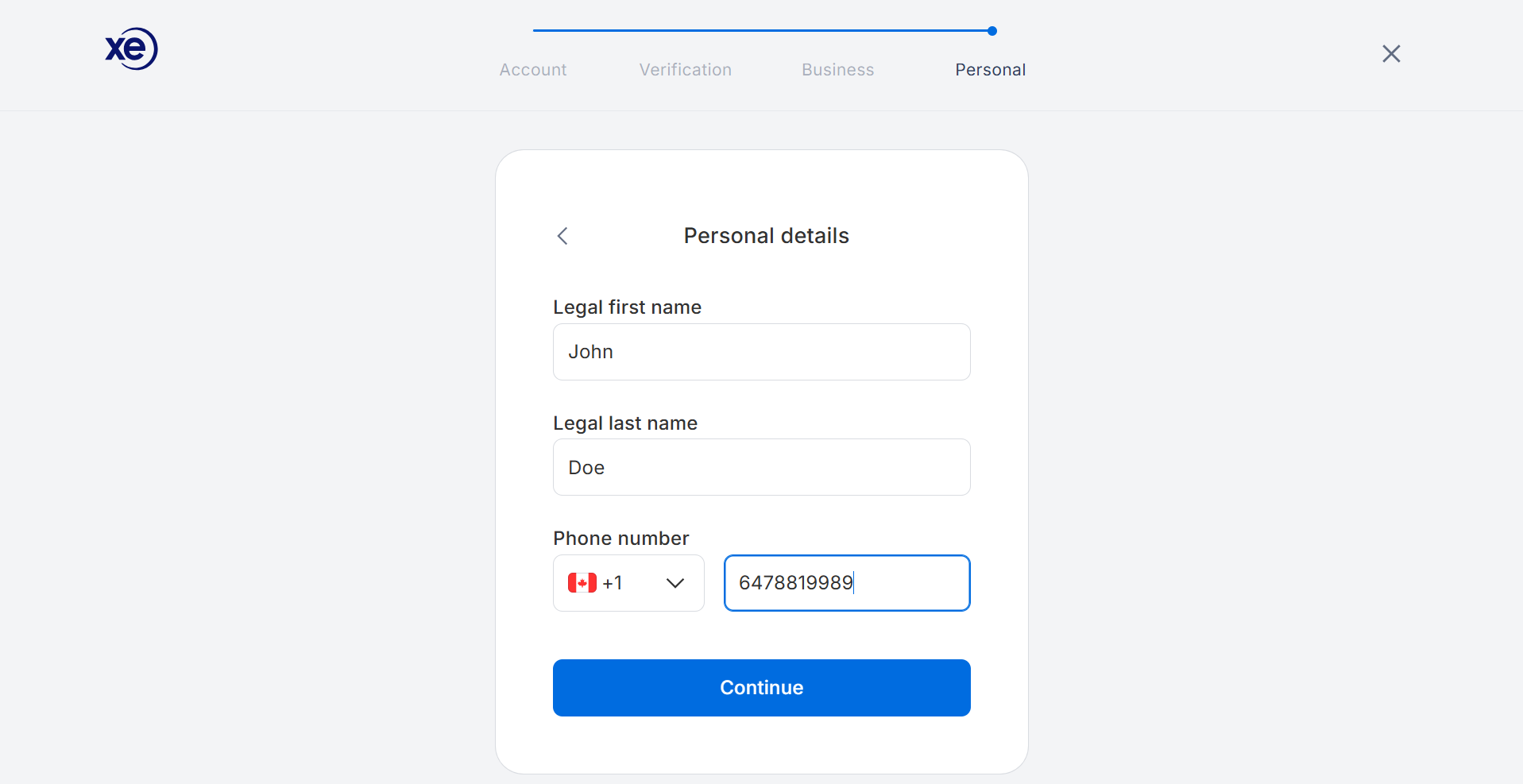
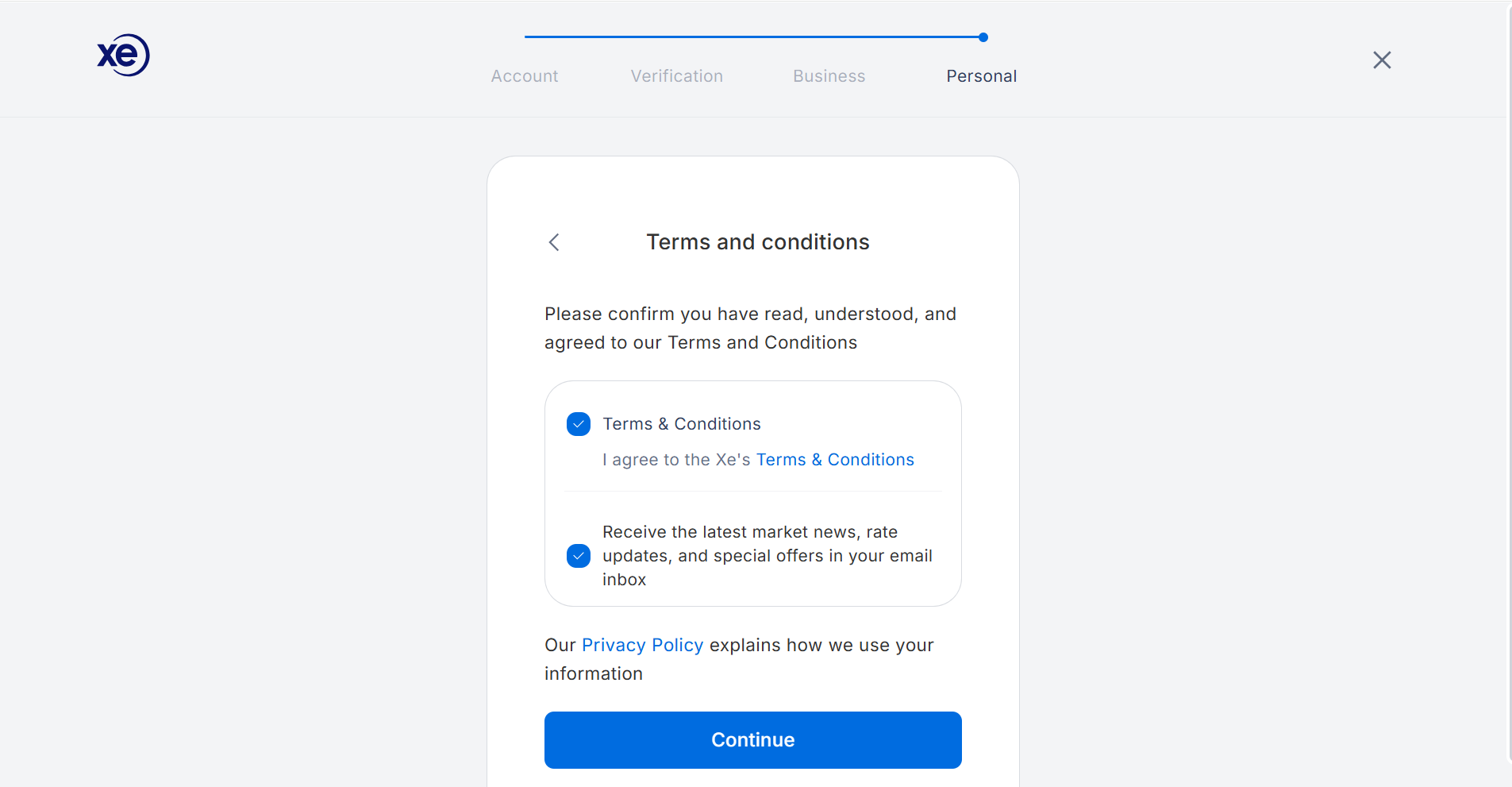
- Legal acceptance: the applicable Terms and Conditions and Privacy Policy.
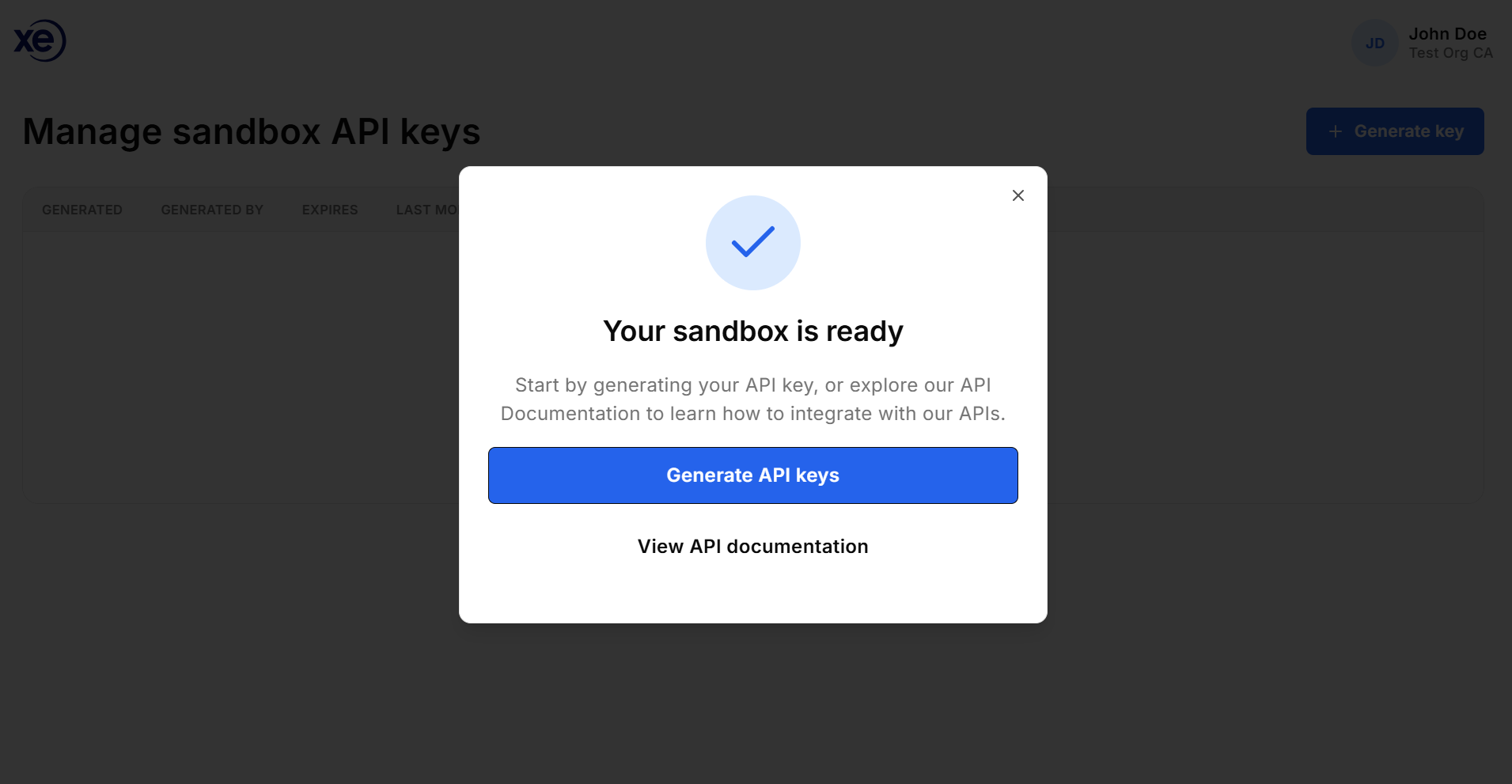
- Manage API Keys : The Sandbox API landing page, where they can generate and manage test keys
Use a team-owned email address where possible so access does not depend on one individual.
OAuth authorization
For an OAuth authorization-code integration, also prepare the public HTTPS redirect URL that accepts the code query parameter. Redirect URLs must be registered separately for Sandbox and Production; contact xemtapi@xe.com or raise a Pay API help request to register one.
Request access: what to expect
- Open the official Pay API Sandbox signup link supplied by Xe or your Xe integration contact.
- Complete the registration form with the details listed above and accept the applicable terms.
- Verify your email if the flow prompts you to do so. Keep the confirmation email for your records.
- Once the sandbox profile is created users land on the Sandbox API landing page, where they can generate and manage test keys.
What you receive:
portal sign-in, sandbox documentation, and access to sandbox API key management. A generated key consists of an access key and secret key. The secret is shown only once at generation or rotation; store it securely immediately.
Sandbox landing page and API keys
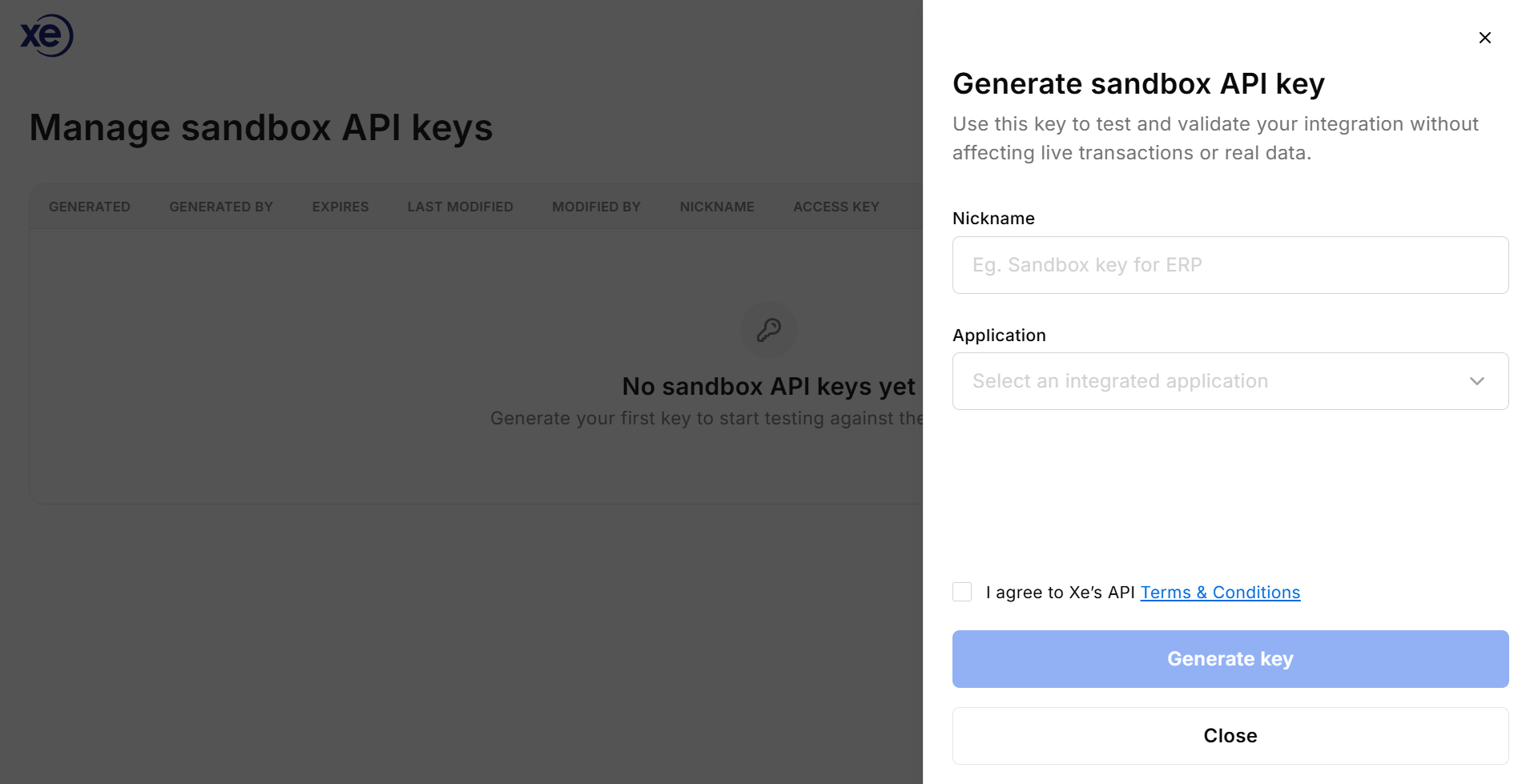
The sandbox landing page is the API key management page. Select the integrated application, enter a key nickname, accept the relevant sandbox terms, and choose Generate key. The access key remains visible in masked form in the key table; the secret is not displayed again. Administrators can rotate or revoke keys. Revocation takes effect immediately. Non-admin users may see credential metadata but cannot create, rotate, or delete keys.
Make your first authenticated request
For server-to-server integrations, use the client-credentials flow. Keep the access secret on your server, never in browser or mobile code.
curl -X POST '<SANDBOX_BASE_URL>/v2/auth/token' \
  -H 'Content-Type: application/json' \
  -d '{"accessKey":"<SANDBOX_ACCESS_KEY>","accessSecret":"<SANDBOX_ACCESS_SECRET>"}'
The response contains an access_token, refresh_token, and expiry information. Use the access token as a Bearer token on subsequent requests:
curl '<SANDBOX_BASE_URL>/v2/auth/verify' \
  -H 'Authorization: Bearer <ACCESS_TOKEN>'
After authentication succeeds, continue with the documented workflow: create or validate a recipient, create a quote, create a contract, and approve it. The API reference also covers contracts, payments, status retrieval, settlement options, and webhooks.
Choose the right authentication method
| Use case | Recommended flow | Additional requirement |
|---|---|---|
| Server-to-server or single-client integration (Payments for Finance Teams) | Client credentials using an access key and secret | Keep secrets encrypted and server-side. |
| Platform acting for multiple Xe customers (Payment For Software Partners) | OAuth 2.0 authorization code | Register separate Sandbox and Production HTTPS redirect URLs. |
| ERP integration | Follow the ERP-specific setup guide and the authentication flow agreed with Xe | Configure the sandbox account and credentials in the ERP test environment. |
What you can test
- Authentication, token expiry and renewal, required headers, and authorization failures.
- Recipient creation, update, retrieval, validation, and country/currency-dependent payment fields.
- Quotes, contracts, single or multiple payments, approval, cancellation, deletion, and status retrieval.
- Payment validation, error handling, retries, idempotency, and webhook or callback handling where enabled for your sandbox path.
- Integration behaviour in ERP test environments, including configuration and end-to-end test scenarios.
- For supported sandbox configurations, deterministic test data, predictable responses, and payment-status simulation. Confirm the available simulation scenarios with your integration contact.
What Sandbox does not prove
- It does not move real money, use production customer data, or perform production KYC/KYB and compliance decisioning.
- Test personas and simulated responses do not prove real customer verification, bank connectivity, settlement timing, payment-rail behaviour, limits, fees, or operational processing.
- Sandbox credentials, URLs, redirect registrations, permissions, and data are separate from Production. Production access requires a readiness review and approval.
- Partner end users authenticate through the partner platform and do not receive independent sandbox access unless Xe explicitly enables it.
From Sandbox to Production
When your integration is complete, finish the sandbox checklist, validate authentication and error handling, test the end-to-end payment journey, and prepare your redirect or callback URLs, webhook endpoints, expected volumes, use cases, security controls, and support contacts. Schedule a go-live review or demo with Xe. Production credentials are separate and are issued only after Xe confirms the account, capabilities, and readiness requirements.